

Completa
HOW COMPLETA WORKS

Plan your home project. Track the work. Keep the record.

Completa keeps the work details, price, contractor updates, payment status, photos, and finished record in one place.

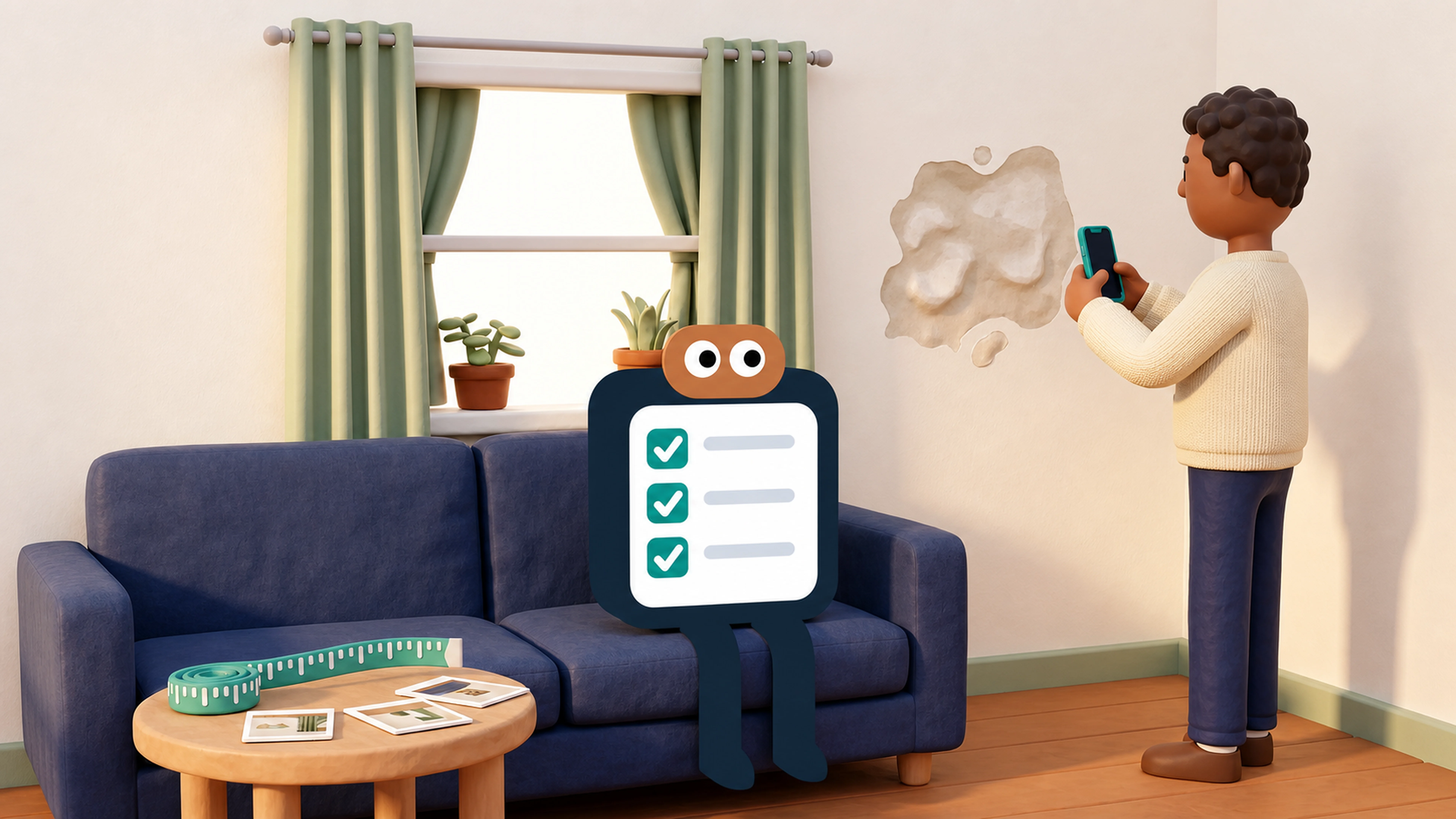
A property owner photographs home damage while Completa records the project details
YOU START

Tell us what needs fixing

Add the details and photos you have.

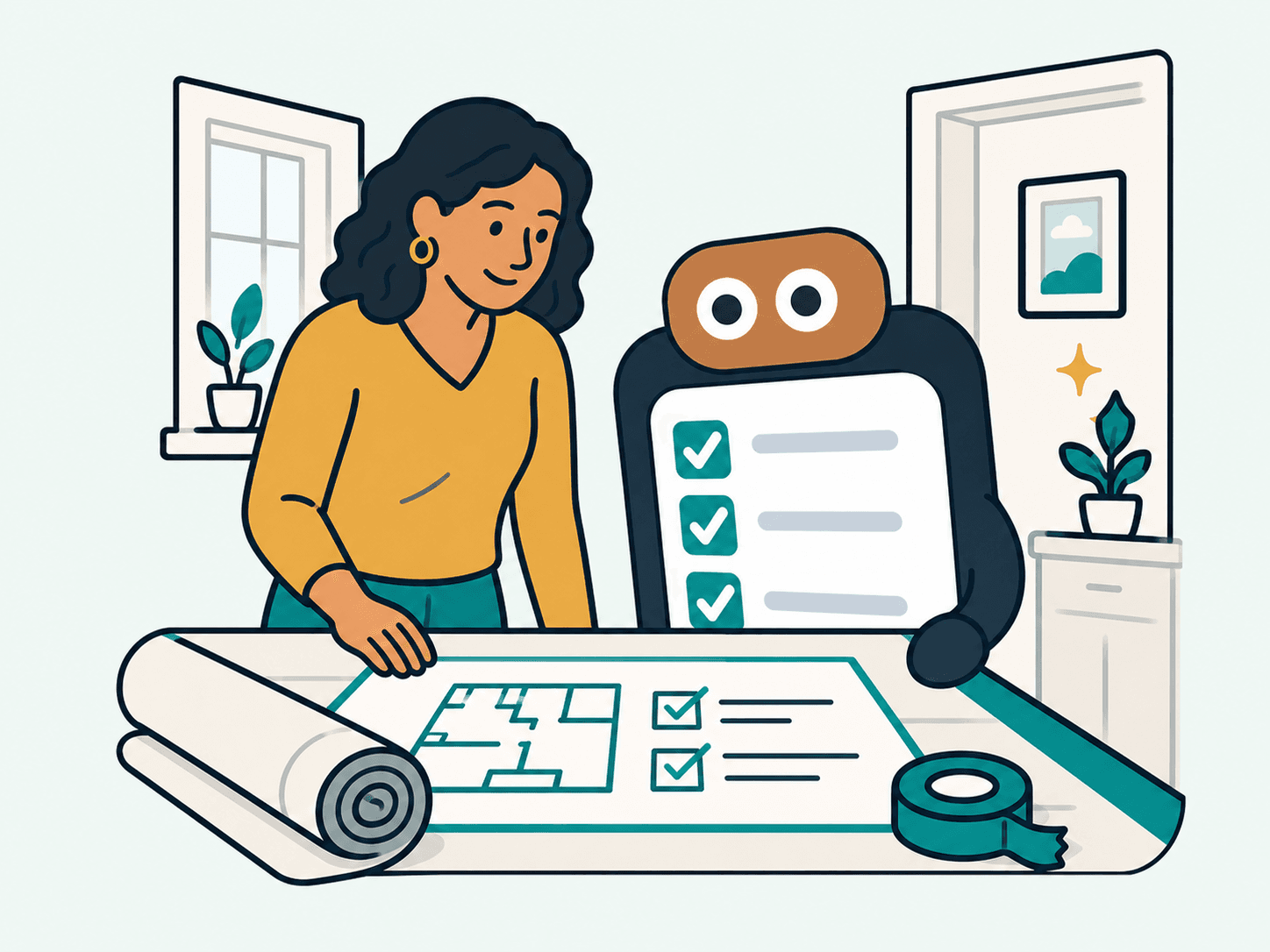
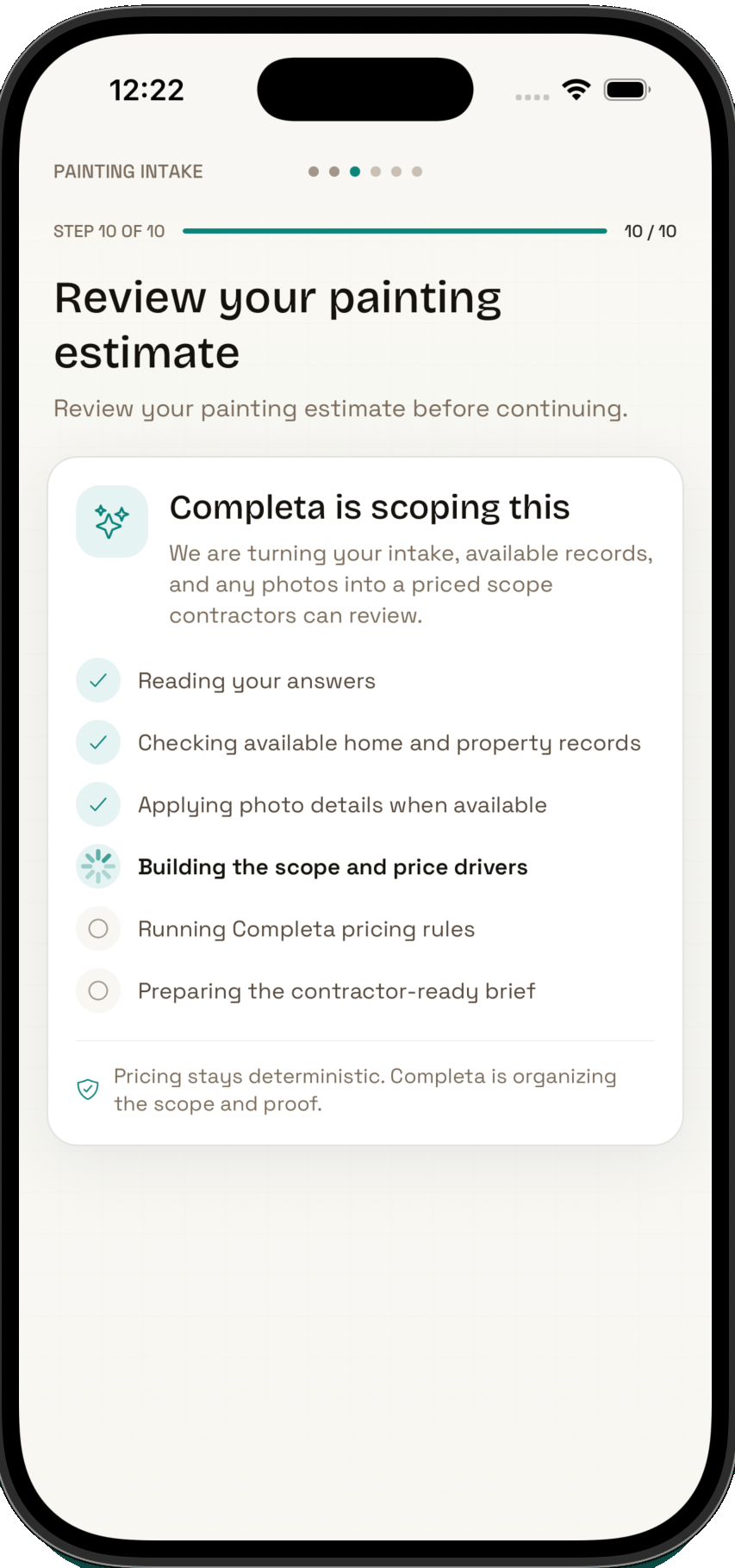
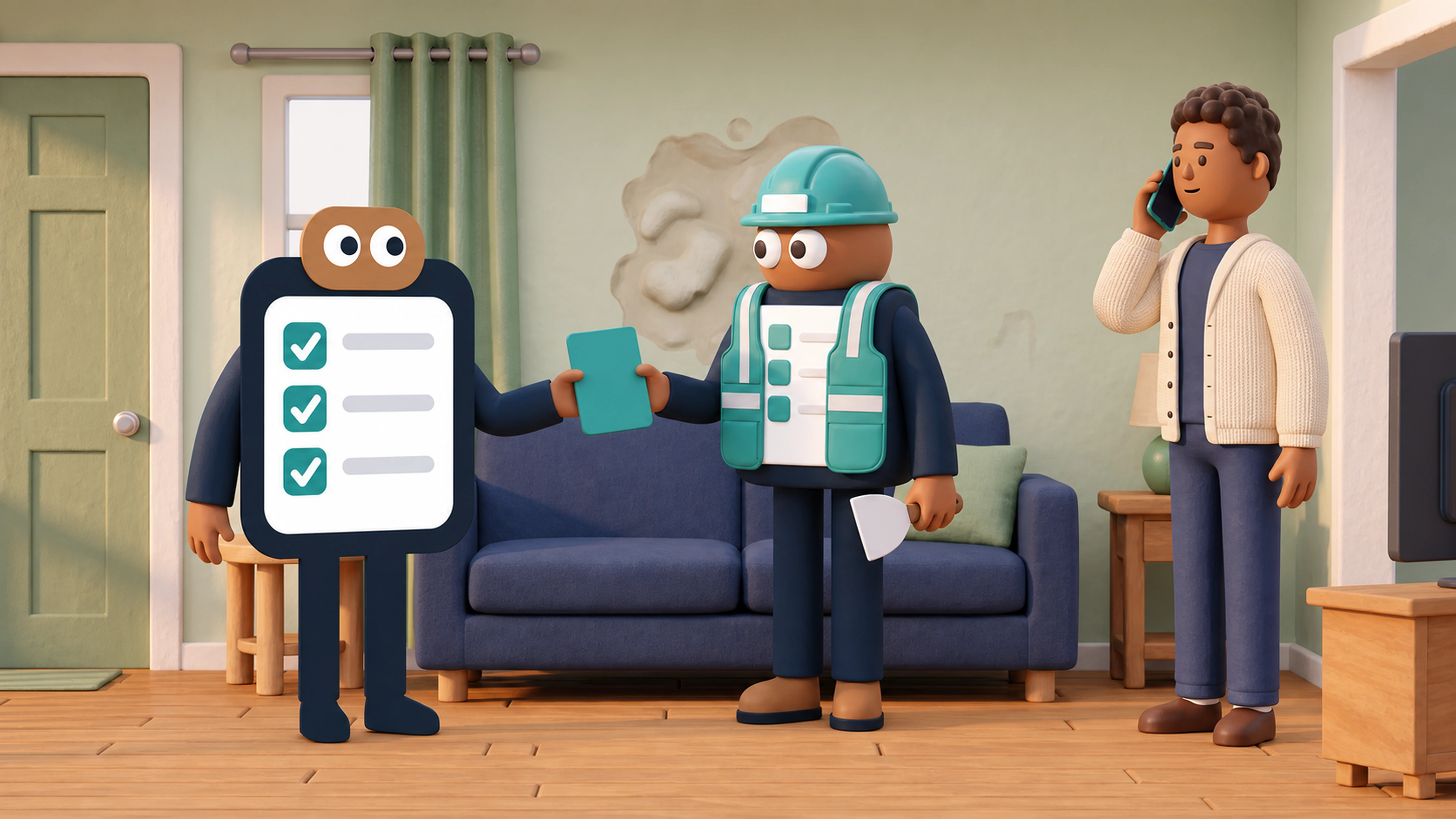
Completa turns painting intake answers, property records, and photos into a scope and estimate for contractor review
A property owner and contractor review a project with Completa
YOU AND THE CONTRACTOR

Confirm the work and price

Review the plan together before work begins.

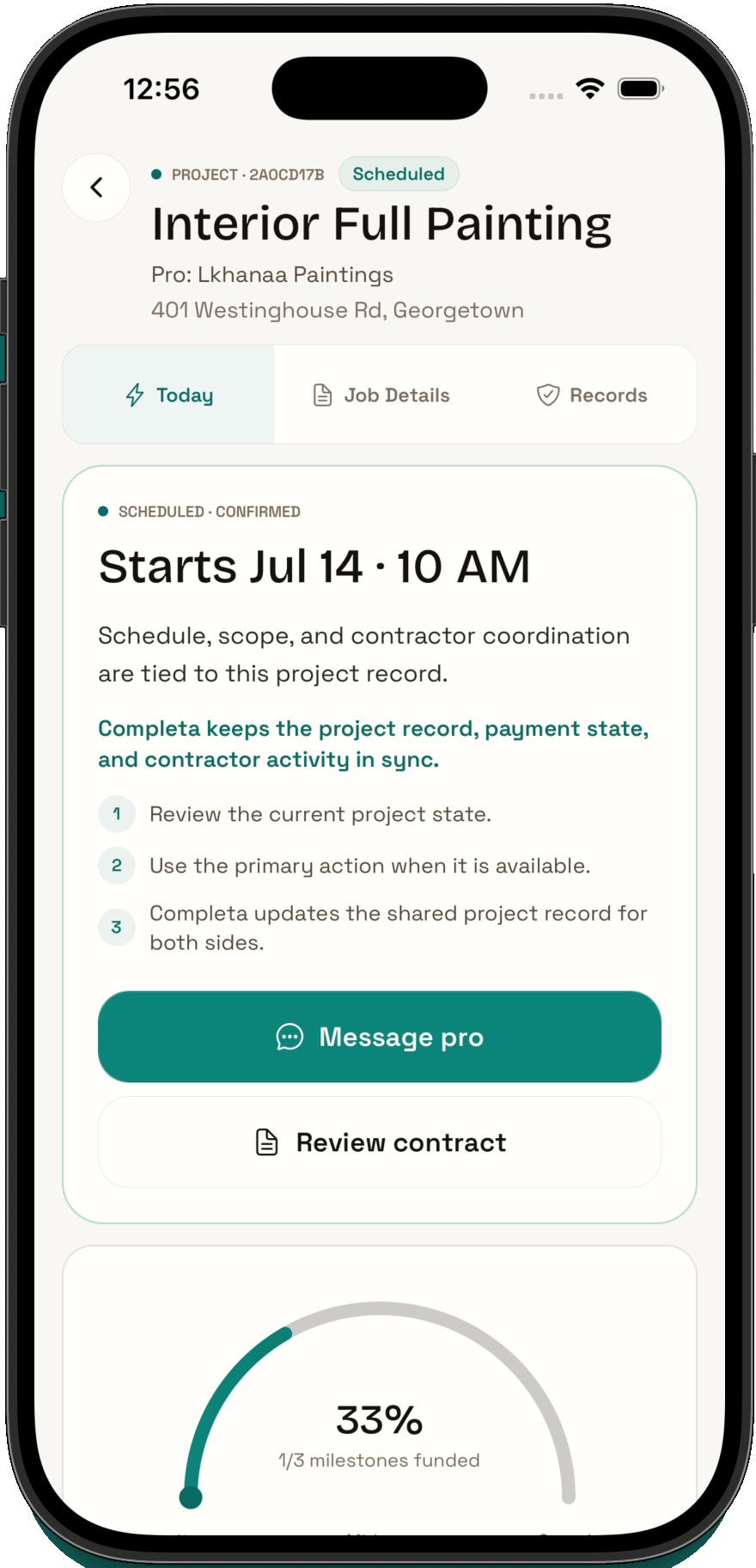
Completa project screen showing a scheduled painting project, contractor coordination, shared records, and milestone progress
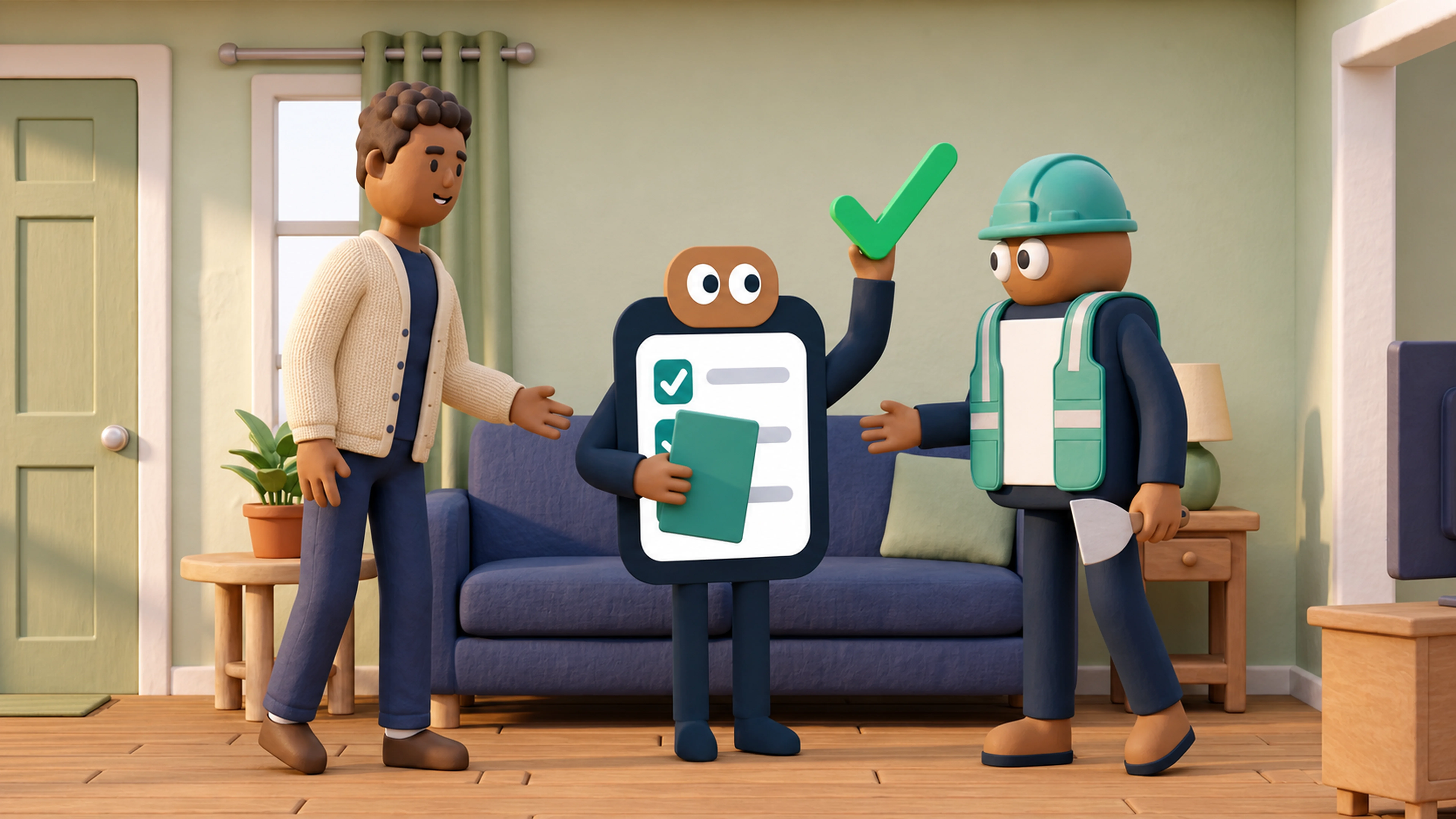
A property owner and contractor save completed work in Completa Home Records
COMPLETA SAVES

Save it in Completa Home Records

Keep changes, proof, and completed work together.

Two ways to get started

Which option fits your project?

I need a contractor

Tell us what needs fixing. Completa helps you organize the job, see a starting estimate, and review the contractors who respond.

Start a new project
  1. Step 1
    Tell us what needs fixing

    Choose the type of work and answer a few clear questions.

  2. Step 2
    See a starting estimate

    See a starting estimate before a contractor reviews the job.

  3. Step 3
    Review responding contractors

    Compare the contractor information available for your project.

I already have a contractor

Invite your contractor to one shared project. Keep the work, updates, photos, and payment progress together.

Use Completa Connect
  1. Step 1
    Invite your contractor

    Send your contractor a link to join the project.

  2. Step 2
    Review the work together

    Review the job, price, and any changes in one place.

  3. Step 3
    Save it in Completa Home Records

    Save updates, photos, and completed work with your home.

One job, one record

One job spine.

The need, scope, price, decisions, progress, and proof stay tied to the same job from the first request through completed work.

Trust Receipt

Before approval
UnderstoodWhat Completa understands the job to be.
IncludedWork and proof in the current plan.
ExcludedItems not covered unless added in writing.
Could changeConditions that need written approval.
Understand before you approve

Clear scope before work starts.

Know what is included, excluded, assumed, and changeable.

  • 01
    Smart intake.Describe the job; answer the key questions.
  • 02
    Price or visit.Price when clear; visit when needed.
  • 03
    Signed baseline.Terms create the shared baseline.
Shared facts

Contractor path you can see.

The contractor works from the same approved facts.

  • 01
    Clear fit.Availability, eligibility, quality, and fit.
  • 02
    Job packet.Scope, photos, schedule, risks, and proof.
  • 03
    Real response.Accept, counter, or decline from the approved scope.

Job offer packet

Provider view
01
Scope + photosCustomer-approved facts.
source
02
AssumptionsWhat could change.
visible
03
Proof checklistWhat closeout needs.
required
04
DecisionAccept, counter, or decline.
reply
Payment state · milestones · change orders

Money and changes stay visible.

Deposits, milestones, and added work stay in the project record.

01Payment

Visible state

See charge, hold, release, refund, and reserve.

money
02Milestone

Clear milestones

Each stage has a purpose and review point.

review
03Change

Written approval

Added work needs reason, evidence, and price impact.

approve
04Record

Permanent records

The record stays available for support, history, and future work.

records

Completa Home Passport

After closeout
01
Proof bundlePhotos and closeout notes stay connected.
02
Service memoryDates, assets, and warranty notes.
03
Next-job contextFuture requests start smarter.
04
Share readinessRecords can help trusted parties.
After closeout

The home remembers.

Closeout leaves proof and a stronger starting point.

  • 01
    Closeout proof.Evidence and reviews document the result.
  • 02
    Completa Home Records.Work history stays with the property.
  • 03
    Rebook smarter.The next request starts with prior work.