



Review the job
See the scope, photos, assumptions, and price before you accept, counter, or decline.
Know what you are pricing

Completa matches you with property owners in Austin who need your trade and gives you free tools to run your business. Choose the jobs that fit, then manage estimates, schedules, crews, and payments in Completa Pro.
Joining and using the business tools is free. Marketplace job fees and payment processing are shown separately.
Completa connects you with Austin property owners who need your trade.
Review scope and price before you accept, counter, or decline.
Estimates, schedules, crews, and payments together in Completa Pro.
Already have the customer? Bring them to Completa Connect. You keep the relationship; Completa Pro brings your estimates, contracts, schedule, crew, payments, and project record together.
Bring my customersCompleta platform fee and contractor commission
On Connect, payment processing is paid by the contractor. See pricing details
Send the estimate and share the scope of work.
Keep the signature, milestones, and changes in one place.
Coordinate the work, collect payment, and keep the complete record.
The tools help you run the job. Preparation, craftsmanship, and communication earn the property owner's trust. This is what we expect from the pros on Completa.
Confirm the scope, protect the home, and follow every step in the right order.
Use the right methods and materials, fine-tune the finish, and inspect before handoff.
Show up, communicate changes early, respect the home, and stand behind the result.
Inside the app
Manage your own customers and review Completa opportunities from the same workspace.
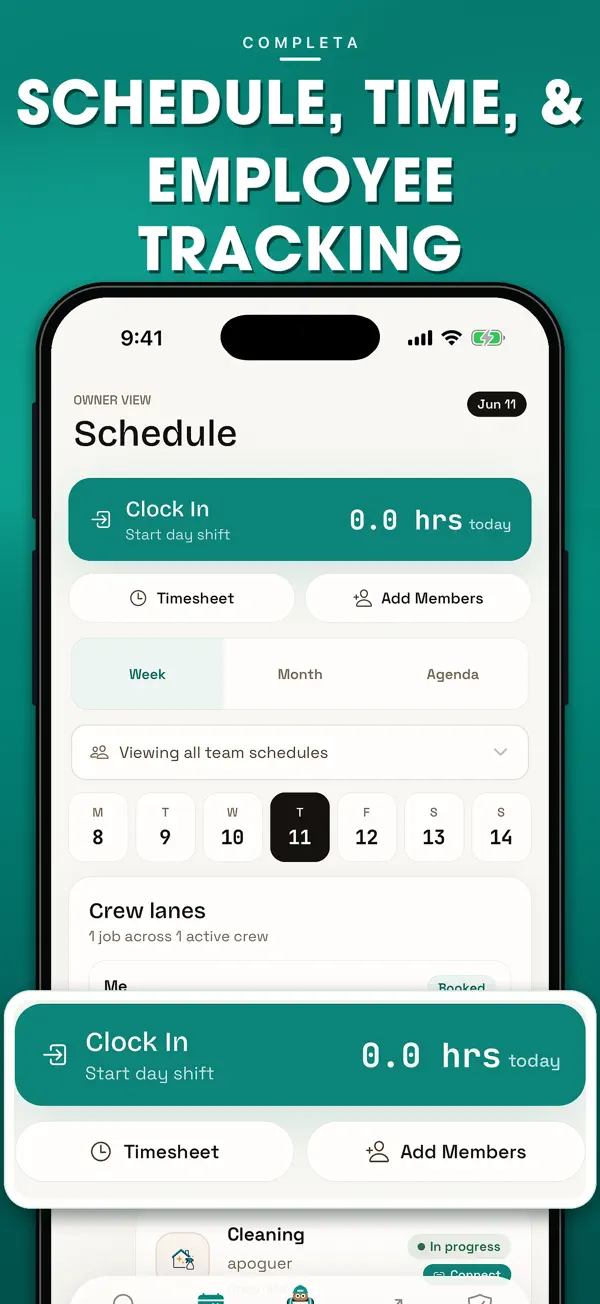
Keep the job schedule and team activity together for marketplace work and customers you already serve.
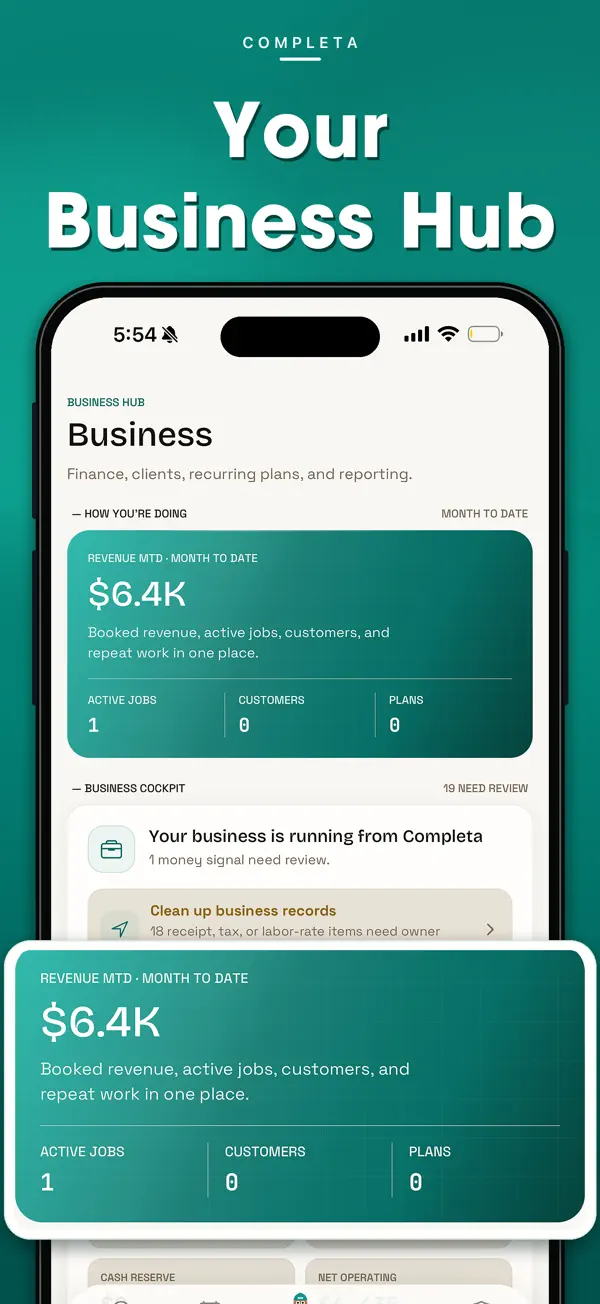
Bring customers, active jobs, recurring plans, and reporting into the business hub.
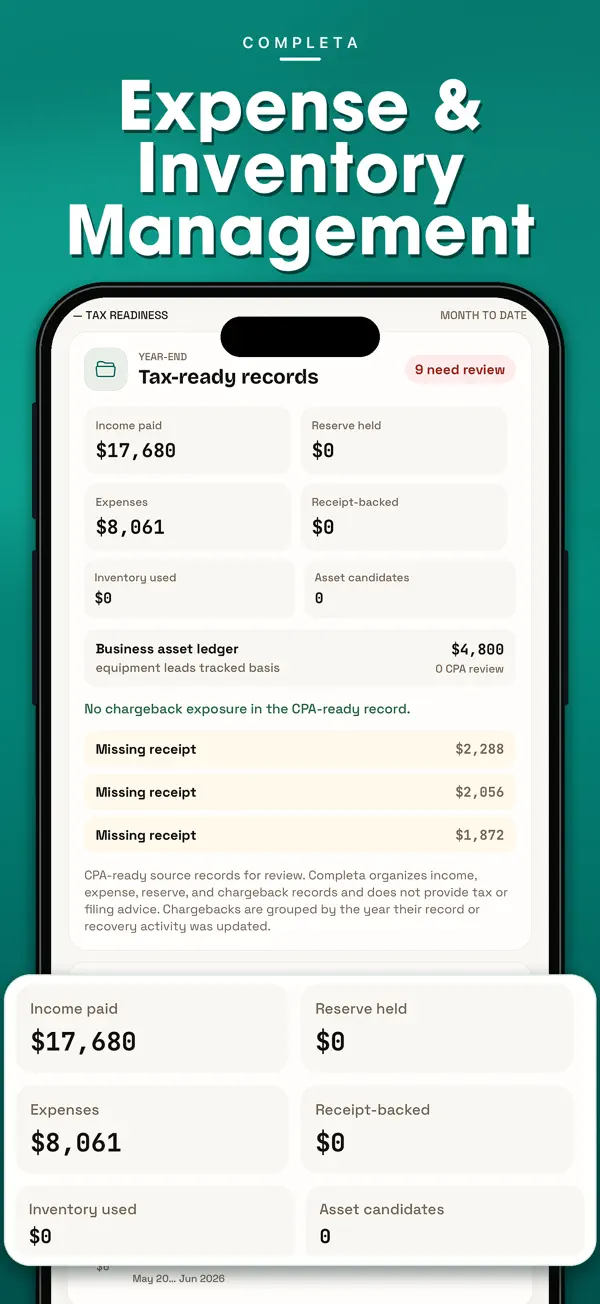
Organize expenses, receipts, inventory, and payment records for review. Completa does not provide tax or filing advice.
Published App Store screenshots with demonstration data. Figures illustrate the interface; they are not quotes or customer results. View the original listing.
Download Completa ProEach tier has two rates for new marketplace jobs, Visits and Quick Book included: one on the first $5,000 and a lower rate only on the amount above $5,000. For projects of $5,000 or less, only the first rate applies to the actual work amount.
View pricing and examplesComplete legal fee scheduleFirst rate × work amount up to $5,000
Second rate × work amount above $5,000
Add the fees from both portions
Start with clear job details, agree on the work, run each milestone, and finish with the proof and payment record intact.
See the scope, photos, assumptions, and price before you accept, counter, or decline.
Confirm the work, price, and milestones with the customer before work begins.
Keep schedules, messages, crew progress, and payment status tied to the job.
Save photos, approvals, expenses, payouts, and the completed job record.
Scope, schedule, crew activity, money, and proof stay connected to the same job instead of being split across texts, calendars, notes, and payment screens.
Build the estimate, define the scope, and set the schedule before the crew starts.
Keep messages, crew activity, milestones, and field progress connected.
See expenses, invoices, payment status, and payouts in the job record.
Save photos, approvals, and completed work for support and future jobs.
Contractor guides
Practical guides for estimates, customer communication, changes, and getting paid.
Create your Completa Pro account or sign in to keep working from the web portal.
Questions about setup, fees, or a job? Contact support.